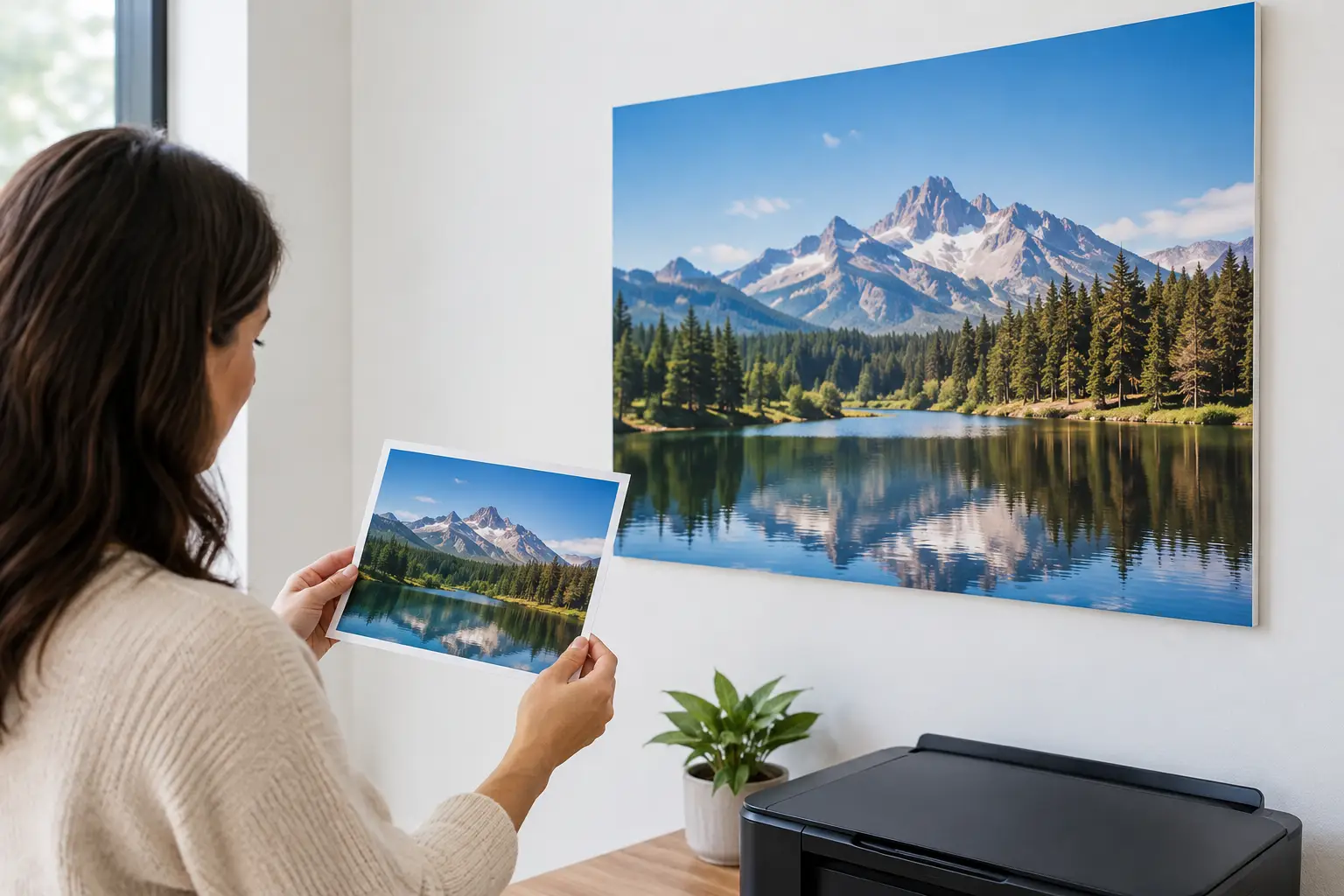
A favorite vacation photo can look perfectly sharp on a phone and still raise questions when you picture it across an 8-foot feature wall. Can low resolution photos print successfully? Often, yes - but the answer depends on the image’s pixel dimensions, the finished size, how closely people will view it, and how much detail the photo needs to carry.
For custom murals, canvas prints, and other room-scale décor, file quality is not a minor technical detail. It helps determine whether a personal image becomes a convincing focal point or looks soft, blocky, or overly processed once installed. The good news is that a low-resolution file is not automatically unusable. A careful review can often identify the best format, crop, size, or alternative image for the project.
Why Screen Photos Can Mislead You
Phones, tablets, and computer screens make almost any image look more polished than it may be in print. Their small display size, bright backlighting, and high pixel density hide flaws that become more visible when a photo is enlarged.
A print has a physical size. Its pixels must be spread across inches or feet of material. The larger the final print, the fewer pixels are available per inch, which can reduce crispness in fine lines, faces, lettering, distant architecture, leaves, and other detailed areas.
This does not mean every large print requires an enormous camera file. A misty forest, ocean horizon, abstract texture, or softly focused floral image can remain beautiful at a lower effective resolution than a close-up family portrait. What matters is whether the character of the image suits the scale and viewing conditions of the wall.
Can Low Resolution Photos Print for Murals?
They can, especially when the mural will be viewed from several feet away. A large wall graphic is experienced differently from a framed print held at arm’s length. In a hallway, living room, lobby, or bedroom, people typically take in the full composition from a distance. At that range, slight softness may disappear into the overall scene.
Still, wall size should not be used as an excuse to enlarge every file without limits. A small image taken from social media, a screenshot, or a heavily compressed text-message attachment may not contain enough real image data for a full wall. Enlargement software can smooth edges and make an image look cleaner, but it cannot accurately restore details that were never captured.
The strongest candidates for enlargement tend to have clear subjects, even lighting, limited digital noise, and original file dimensions that are reasonably large. Images with broad areas of sky, water, fog, painted texture, or blurred background can be more forgiving than images filled with tiny, high-contrast details.
Pixel Dimensions Matter More Than File Size
A file described as “4 MB” may sound substantial, but megabytes do not reliably tell you whether it will print well. File size changes depending on compression and file format. Pixel dimensions are more useful.
For example, an image measuring 4000 by 3000 pixels contains far more usable information than one measuring 1200 by 900 pixels, even if the smaller file has a surprisingly large file size. To check dimensions, view the image’s properties or information panel on your computer or phone.
A simple starting calculation is:
Pixel width ÷ intended print width in inches = approximate pixels per inch.
If a 4000-pixel-wide photo is printed at 80 inches wide, it provides roughly 50 pixels per inch. That would be too low for a close-viewed fine-art print, but it may be acceptable for certain wall murals viewed from across a room. The subject, surface, lighting, and expected viewing distance all affect the final decision.
What Makes a Low-Resolution Image Look Worse?
Resolution is only one part of print quality. Some images look weak at a relatively modest enlargement because other issues are already present. Heavy compression can create blotchy color and square artifacts around edges. Excessive sharpening may leave bright halos around a person or object. Low-light photos can show grain that becomes more obvious at larger sizes.
Cropping can also change the equation. A photo may begin with enough pixels for a medium canvas print, then lose much of its usable resolution after the subject is cropped tightly. This often happens when a small face, pet, or distant object needs to become the center of a large mural.
Photos with embedded text deserve special care. A word that looks readable on a phone may turn fuzzy or uneven when enlarged. If a mural needs names, dates, a company message, or a quote, professionally prepared vector artwork or a recreated text layout is usually the more dependable option.
Choose the Right Size and Material for the Image
When the source file is limited, the best solution is not always to abandon the project. Sometimes a modest adjustment produces a far better result. Reducing a mural’s finished dimensions, choosing a smaller canvas print, or using the image on one wall section rather than an entire room can preserve the visual impact while keeping detail more convincing.
The style of décor matters, too. A canvas print has a textured surface that can complement painterly photos and natural scenes. A smooth wall covering shows detail more directly, which is ideal for a strong original image but less forgiving of visible artifacts. A tapestry-style presentation may work well for images with a softer, more artistic look.
Consider where the print will live. A detailed cityscape behind a dining table may be viewed up close every day. A panoramic beach scene above a staircase is usually seen from farther away. The same source photo could be a poor fit for the first setting and a successful fit for the second.
Practical Ways to Get a Better Print
Start with the original image whenever possible. Download the full-resolution file from the camera roll, cloud library, photographer, or shared album rather than saving a preview from a website. Avoid screenshots and images copied from social platforms, since those versions are commonly reduced for fast loading.
If you have several versions of the same photo, compare their pixel dimensions before choosing. The original camera file is generally best. For older family photographs, a high-quality scan can sometimes produce better results than a small digital copy. Scanning at a suitable resolution and making thoughtful color corrections may give a treasured image a new role as custom wall décor.
Editing can help, but restraint is valuable. Light adjustments to exposure, contrast, color balance, and cropping can improve a file. Aggressive filters, repeated resaving, and extreme sharpening often make enlargement less successful. If the image will be enlarged substantially, a professional image-enhancement review may identify issues before anything reaches print.
Why an Image Review Is Worth the Time
A custom wall project is measured, produced, and made for a specific space. Reviewing the image before production gives you a chance to make an informed choice about size, crop, placement, and material rather than discovering limitations after installation.
At Murale Design, image quality can be evaluated as part of planning a custom project. That review is particularly useful for personal photos, vintage images, supplied artwork, and files intended for large adhesive vinyl murals. It allows the design team to flag concerns, recommend a more suitable scale, or help refine the layout before durable latex inks are applied to the finished wall covering.
Bring the room into the decision, not just the file. Measure the wall, note where viewers will stand, and think about whether the image is meant to be examined closely or enjoyed as an atmospheric backdrop. A photo does not need laboratory-perfect resolution to create a memorable interior. It needs enough quality for its purpose, plus a size and presentation that let its strongest qualities take the lead.
A personal image deserves more than a guess at whether it will work. When the photo, final dimensions, and room are considered together, even a file with limitations can become a thoughtful, well-proportioned piece of wall décor.
![Best Bathroom Mural Ideas to Elevate the Room [even for small bathroom]](/assets/documents/article/image/sans-titre.jpg)